.png?width=1041&height=415&name=logo-cert-tool%20(1).png)
On the log-in page for students, we offer a short practice assessment. This practice assessment serves two purposes. First, it allows the school's servers to communicate with CERT servers to ensure a good connection. Any possible technical difficulties are likely to present themselves on this practice (no-stakes) assessment.
- Navigate to www.certforschools.com
- Choose STUDENTS in the top right-hand corner
- Select the assessment (SAT/ACT)
- Practice navigating the platform and using the features
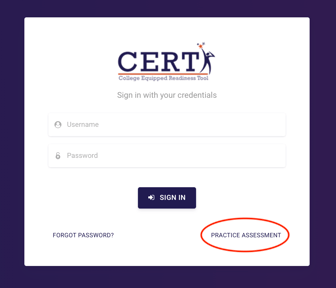
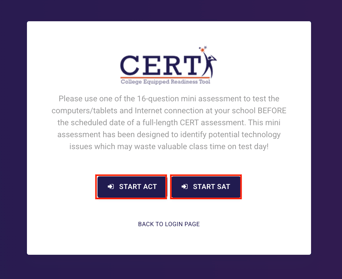
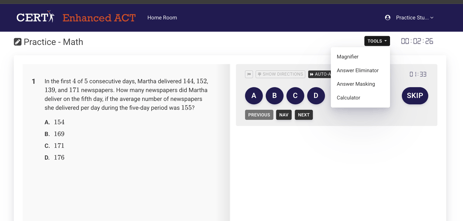
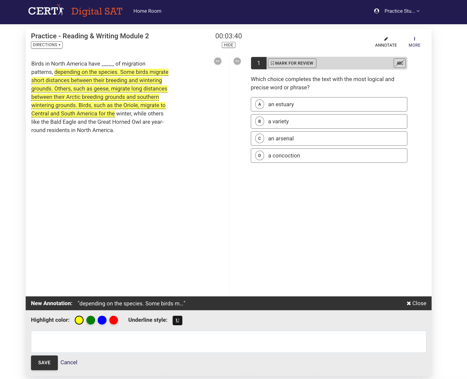
Second, the practice assessment allows students to see and use all the features of the CERT program. Each content area has four questions, for a total of 16 questions in 16 minutes. The practice assessment allows students to try out CERT's assessment tools:
- Magnifier
- Highlighter
- Line Reader
- Answer Eliminator
- Answer Masking
- Calculator (math only)
- Skip Button
- Timer
- Automatic Advance
- Flag Question
- Annotation Properties (DSAT only)
Did this answer your question?